Tuning & Movement Features
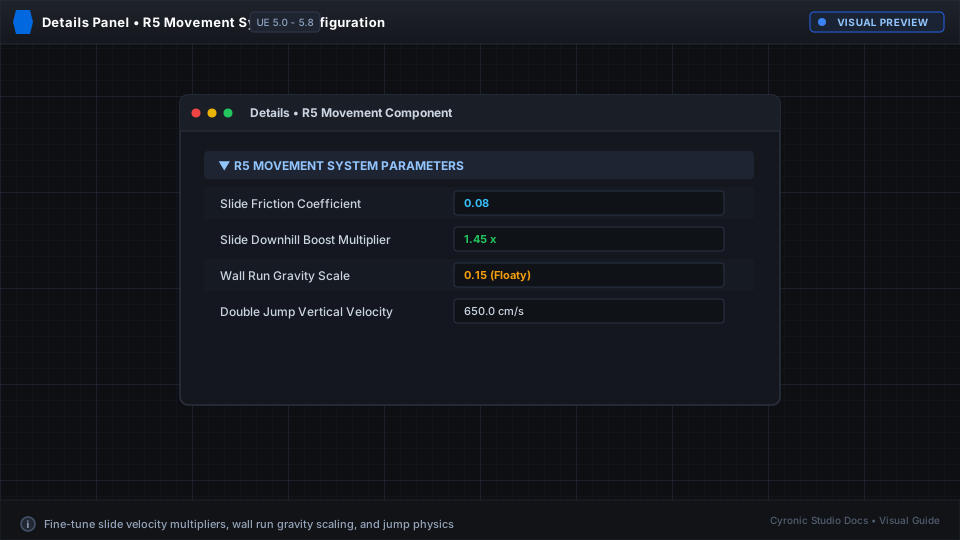
Fine-tune every aspect of movement directly in the Character Movement Component's Details panel.
Slide Configuration#
- Max Slide Speed: Top speed achievable while sliding downhill (e.g.
1200.0). - Slide Friction: How quickly the player slows down on flat ground (e.g.
0.6). - Min Speed To Slide: Velocity required to trigger a slide instead of a normal crouch.
Wall Run Settings#
- Max Wall Run Duration: Maximum seconds a player can stay on a single wall (e.g.
2.5s). - Wall Run Speed: Horizontal glide speed along the wall surface.
- Wall Jump Force: Lateral push-off impulse applied when pressing Jump during a wall run.
- Camera Roll Angle: Degrees of camera tilt during wall running (default:
12.0degrees).
Click to expand
Double Jump & Air Control#
- bEnableDoubleJump: Toggle second airborne jump capability.
- Air Control: Percentage of directional control retained while airborne (e.g.
0.85for responsive air strafing).