Installation & Setup
R5 Movement System supports Unreal Engine 5.0 through 5.8+.
Installation Steps#
Add to Plugins Directory
Copy the R5MovementSystem folder into your project's Plugins folder.
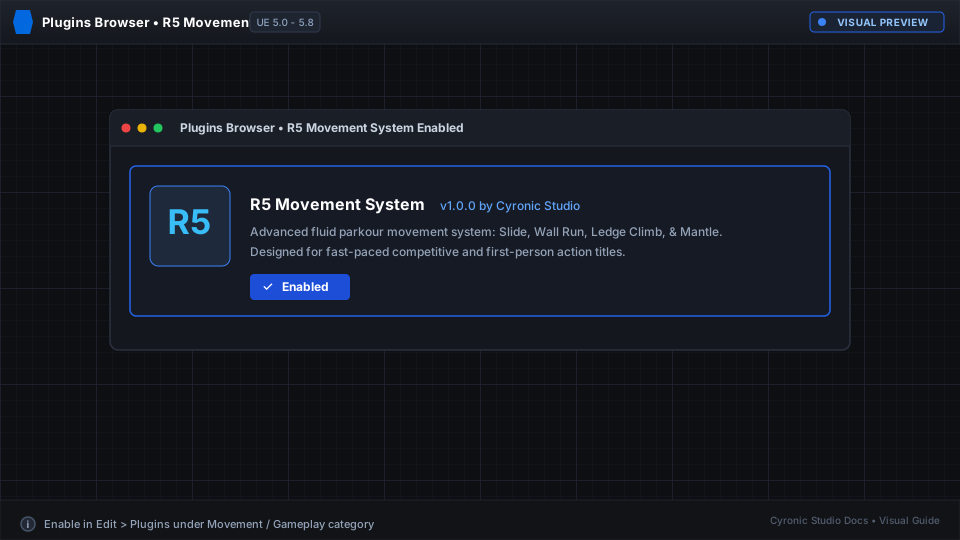
Enable Plugin in Editor
Open Unreal Editor, go to Edit > Plugins, locate R5 Movement System, and check Enabled.
Restart Unreal Editor
Restart the editor to register the custom Character Movement Component.
Click to expand
Verifying the Installation#
Open your Character Blueprint. In the Components panel, check your Character Movement component class. You can now use the specialized R5 Character Movement Component.