Optimization Concepts
MeshLens helps you maintain steady frame rates by monitoring the three most common 3D performance bottlenecks.
1. Material Slots & Draw Calls#
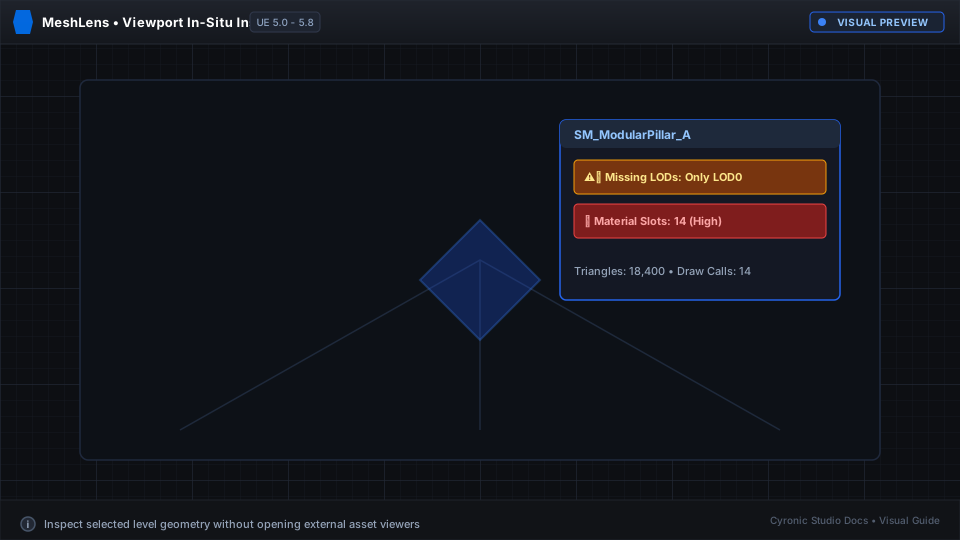
Every distinct material slot on a mesh requires a separate draw call to the graphics card. A prop with 10 material elements costs roughly 10x more CPU rendering time than a mesh baked into a single material texture atlas. MeshLens flags any mesh exceeding 4 material slots.
2. Level of Detail (LOD) Efficiency#
Meshes should reduce their polygon count as they move away from the camera. If a prop is 50 meters away but still rendering 100,000 polygons on LOD 0, it wastes GPU vertex processing time. MeshLens highlights props that lack LODs.
3. Collision Complexity#
Using complex ("Use Complex Collision As Simple") geometry on non-critical meshes forces the physics engine to trace against thousands of triangles. MeshLens alerts you when simple collision primitives could be used instead.