Installation & Setup
MeshLens is an Editor module plugin compatible with Unreal Engine 4.27 and all Unreal Engine 5 versions (5.0 through 5.8+).
Installation Steps#
Add to Plugins Folder
Copy the MeshLens folder into your project's Plugins folder (e.g.
MyProject/Plugins/MeshLens).Enable Plugin in Unreal Editor
Open your project. In the top menu, go to Edit > Plugins, search for MeshLens, and ensure Enabled is checked.
Restart the Editor
Restart Unreal Editor to finalize viewport Slate overlay integration.
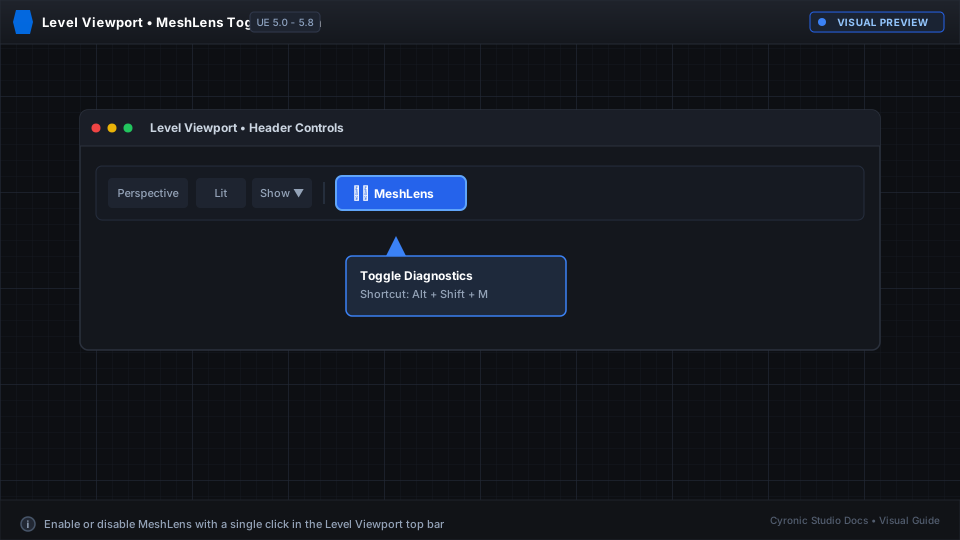
Click to expand
Verifying the Installation#
Open any level in your project. Click on a Static Mesh actor in the viewport. If the overlay appears in the top-right corner of your viewport, MeshLens is installed and operational!