Core Nodes & Member Picker
AutoMember provides three intuitive nodes that cover all your Blueprint communication needs.
1. Auto Call Node#
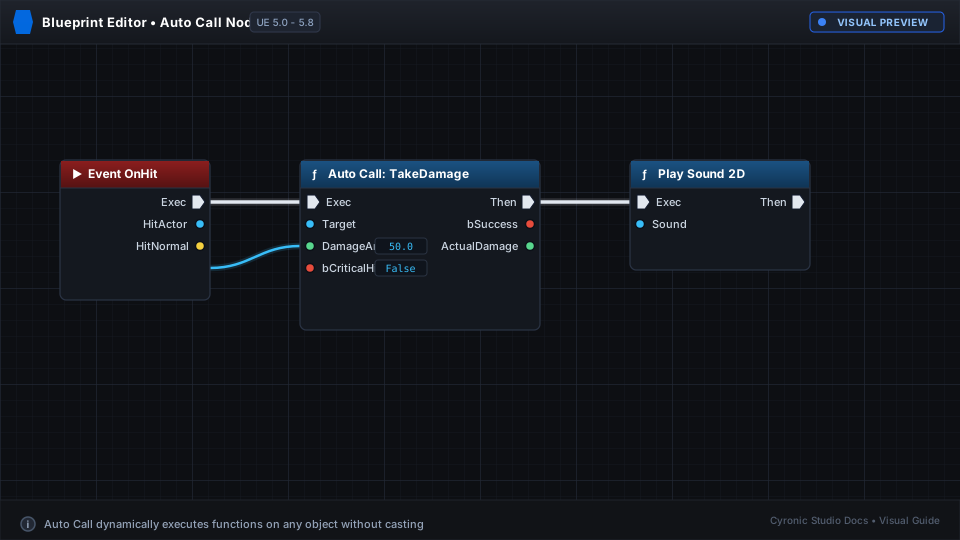
Use Auto Call to execute functions or fire custom events on any target object.
- Exec Pins: Standard top-row white execution flow pins.
- Target Pin: Accepts any Actor, Component, or Object.
- Dynamic Pins: Automatically generates inputs and return values based on the selected function.
Click to expand
2. Auto Get Node#
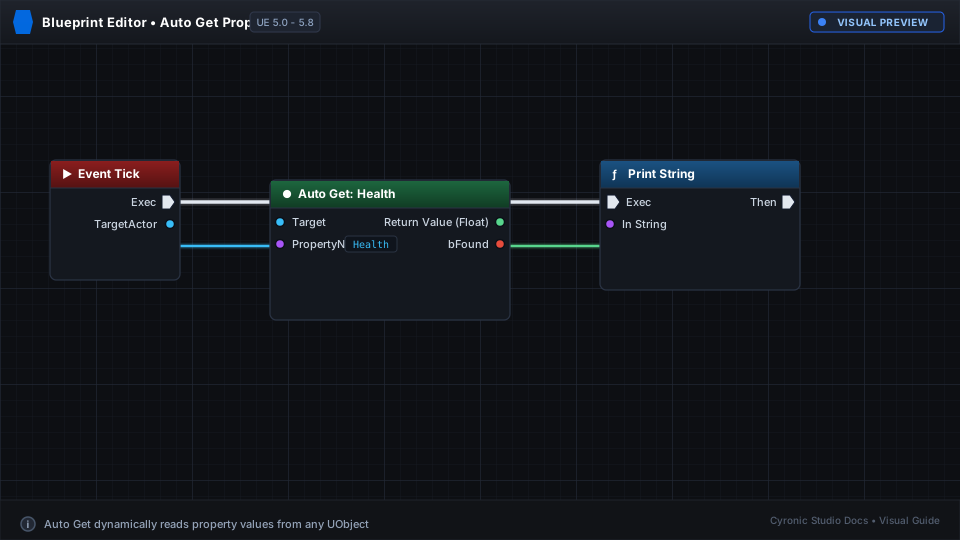
Use Auto Get to read variables or pure functions without needing execution pins.
- Pure Node: Evaluates on demand when connected to another node.
- Target Pin: The object containing the variable.
- Value Output: Matches the exact type of the variable (Integer, Float, Struct, Object Reference, etc.).
Click to expand
3. Auto Set Node#
Use Auto Set to write values directly to editable variables on a target object.
- Exec & Then Pins: Keeps execution flow organized.
- Target Pin: The object whose variable you want to modify.
- Value Input: The new value to set.
- Output Value: Pass-through pin providing the updated value for downstream logic.
The Search & Member Picker#
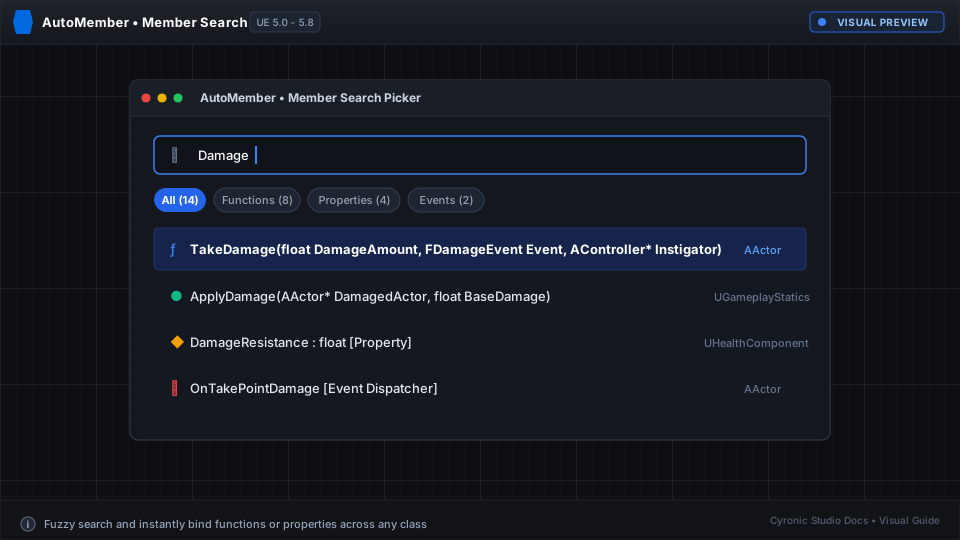
Opening the picker is fast and intuitive:
- Double-click the title bar of any AutoMember node.
- Right-click the node and click Search & Select Member...
- Click the Select Member... button in the node body or Details panel.
Search Filters#
- [ All ]: Shows every accessible function, event, and variable.
- [ Functions ]: Limits results to functions and custom events.
- [ Variables ]: Limits results to variables and properties.
- [ Tagged Only ]: Shows only members you marked with Expose to AutoMember.
- Project Only Toggle: Checked by default to hide engine internal functions and keep your list clean.
Click to expand