Installing AutoMember
AutoMember works with Unreal Engine 5.0 through 5.8+. You can install it into an individual project or directly into your engine.
Installation Steps#
Copy to Plugins Directory
Navigate to your Unreal Engine project folder. If you do not have a Plugins folder in your project root, create one. Copy the AutoMember folder into your project's Plugins folder.
Enable Plugin in Unreal Editor
Open your project in Unreal Editor. In the top menu bar, click Edit > Plugins. Search for AutoMember and ensure the checkbox next to Enabled is checked.
Restart the Editor
If prompted, restart Unreal Editor to finish activating the editor extensions and custom graph nodes.
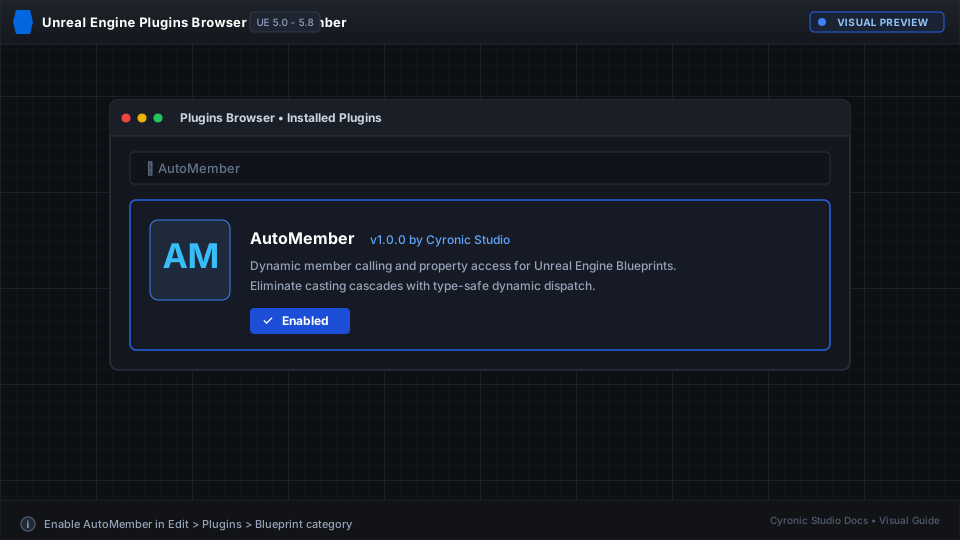
Click to expand
Verifying the Installation#
To verify that AutoMember is running:
- Open any Actor or Character Blueprint.
- Right-click an empty area in the Event Graph.
- Type Auto Call into the search menu.
- If you see Auto Call (AutoMember) in the list, the plugin is active and ready to use.