Installation
Dynamic Crosshair supports Unreal Engine 4.26, 4.27, and all Unreal Engine 5 versions (5.0 through 5.8+).
Installation Steps#
Add Plugin to Project
Copy the DynamicCrosshair folder into your project's Plugins folder.
Enable Plugin in Unreal Editor
Launch Unreal Editor. Click Edit > Plugins, locate Dynamic Crosshair, and ensure it is Enabled.
Restart the Editor
Restart the editor to finalize widget registration.
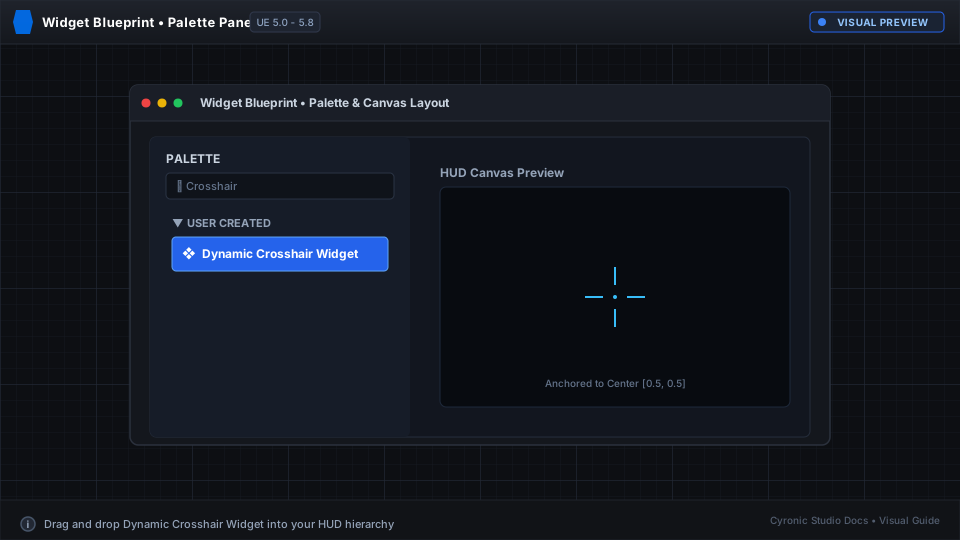
Click to expand
Verifying Installation#
- Open any Widget Blueprint (e.g.
WBP_PlayerHUD). - In the Palette search box on the left, type Dynamic Crosshair.
- If Dynamic Crosshair Widget appears in the list, installation is complete.