Installation & Setup
ObjectPooling supports Unreal Engine 5.0 through 5.8+.
Installation Steps#
Copy to Plugins Directory
Place the ObjectPooling folder into your project's Plugins folder.
Enable Plugin in Editor
Open your project in Unreal Editor. In the top menu bar, click Edit > Plugins, locate ObjectPooling, and verify Enabled is checked.
Restart Unreal Editor
Restart the editor so the
UWorldSubsystem registers with the game world.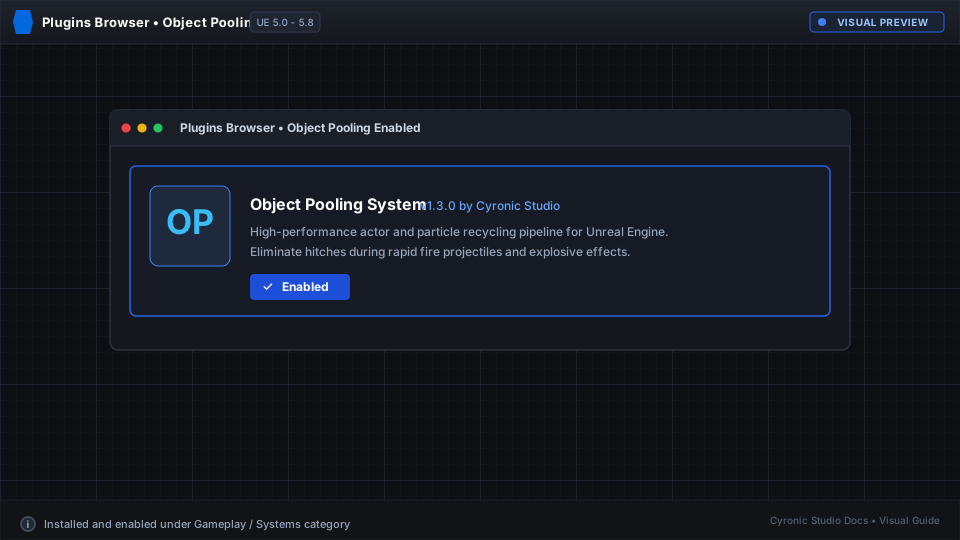
Click to expand
Verifying the Installation#
Open any Blueprint graph. Right-click and search for Spawn Actor From Pool. If the node appears in the search results, ObjectPooling is active and ready to use!