Installation
EasyJson is compatible with Unreal Engine 4.27 and all Unreal Engine 5 versions (5.0 through 5.8+).
Installation Steps#
Copy Plugin to Project
Place the EasyJson folder into your project's Plugins folder.
Enable Plugin in Editor
Open Unreal Editor, go to Edit > Plugins, locate EasyJson, and check Enabled.
Restart Unreal Editor
Restart the editor so the Content Browser registers the new JSON Data Asset type.
Click to expand
Verifying the Installation#
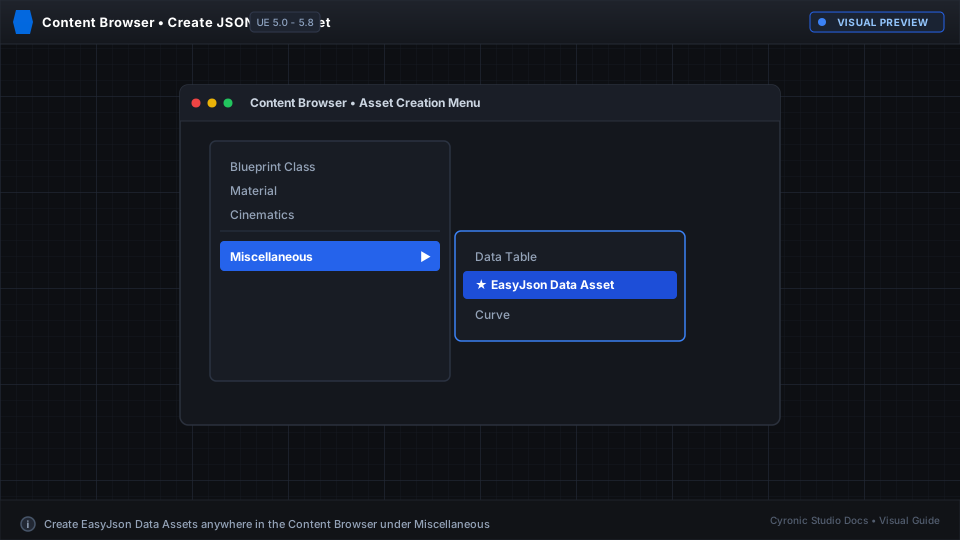
- In the Content Browser, right-click in an empty space.
- Hover over Miscellaneous (or search for JSON).
- If you see EasyJson Data Asset, the plugin is active and ready!