Installation & Setup
Blueprint To C++ Exporter is an Editor module plugin compatible with Unreal Engine 4.27 and all Unreal Engine 5 versions (5.0 through 5.8+).
Installation Steps#
Add to Plugins Directory
Copy the BPToCppExporter folder into your project's Plugins directory.
Enable Plugin in Editor
Open your project in Unreal Editor. Navigate to Edit > Plugins, locate Blueprint To C++ Exporter, and verify that the checkbox is set to Enabled.
Restart Editor or Compile
Restart the editor. If you are working in a C++ project, you can also trigger Live Coding (Ctrl + Alt + F11) to compile the editor module.
Click to expand
Verifying the Installation#
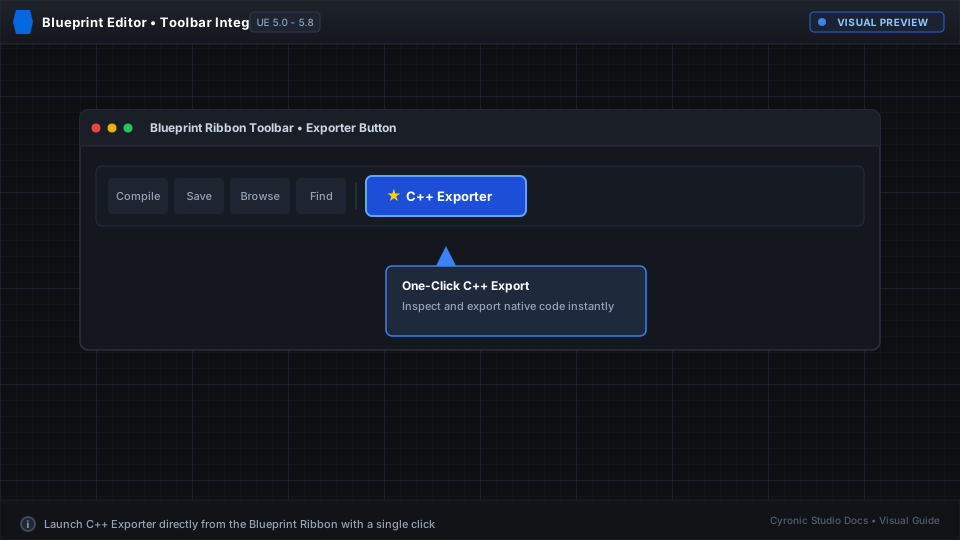
Open any Blueprint asset (for example, your player character). Look at the top toolbar in the Blueprint Editor. You will see a new C++ Exporter button with options to export header, source, or open side-by-side.