Quick Start Guide
Follow these steps to equip any character or enemy with full health management.
Step-by-Step Setup#
Attach Health Component
Open your Character Blueprint. Click + Add in the Components panel and choose Health Component.
Configure Starting Values
Select the Health Component. In the Details panel, configure:
- Max Health:
100.0 - Max Shield:
50.0 - Enable Shield Regeneration:
True - Regen Delay:
3.0seconds
Apply Damage on Hit
When your character gets hit by a projectile or melee trace, call Apply Damage on the Health Component.
Handle Death Event
Select the Health Component, scroll to the bottom of the Details panel, and click the + next to On Death. Wire this event to trigger a ragdoll or death animation.
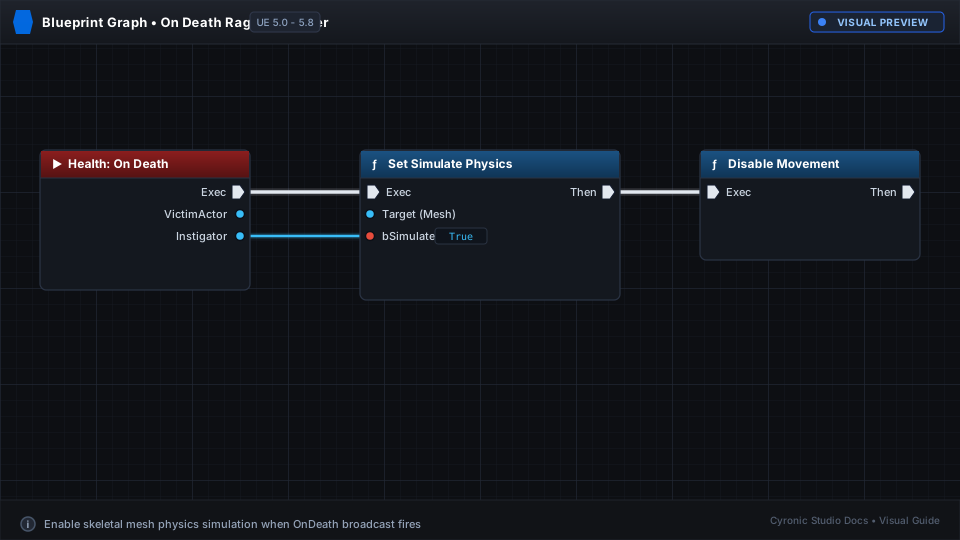
Click to expand